10 Ways API Development Is Made Easy With October CMS

APIs are no longer an edge concern. For many modern systems, the API is the product. Whether you're building a SaaS platform, a headless frontend, internal tooling, mobile apps, AI-driven workflows, or third-party integrations, API development has moved from a supporting role to the center of application design. October CMS is particularly well suited to this shift—not because it advertises itself as an "API platform," but because it is built on foundations that make API development feel natural, predictable, and maintainable. This article explores ten ways October CMS makes API development easier, focusing on developer experience, structure, and long-term sustainability rather than surface-level features. 1. October CMS Is Built on Laravel's API-Friendly Core The most important reason API development feels easy in October CMS is also the simplest: it's built on Laravel. That gives you, out of the box: Robust routing Middleware support Request validation Authentication layers JSON responses by default Exception handling designed for APIs October CMS does not abstract these things away or replace them with proprietary alternatives. You are working with real Laravel concepts, not CMS-specific reinventions. This means: API patterns you already know apply immediately Documentation and community knowledge transfer directly Custom API behavior doesn't fight [...]
By |2026-02-19T16:27:15+00:00February 19, 2026|General|

AI Tools Developers Actually Keep Using After the Hype

Most AI tools feel impressive the first week. They generate code. They summarize documents. They answer questions instantly. Demos are smooth. Screenshots look convincing. And then—quietly—they fall out of daily use. Developers stop opening them. Tabs close. Subscriptions lapse. The tool didn't fail outright; it simply didn't earn a permanent place in the workflow. This article examines which AI tools developers actually keep using after the hype fades, and—more importantly—why. The difference has less to do with model quality and more to do with how well a tool fits the reality of software development. The Reality of Developer Tool Adoption Developers are not short on tools. They are short on attention. A tool survives long-term only if it: Reduces friction in existing workflows Improves outcomes without demanding ceremony Integrates with how developers already think and work Pays back its cognitive cost quickly AI tools that require context switching, special prompts, or ritualized usage rarely survive beyond novelty. The tools that last tend to disappear into the background. Category 1: AI That Lives Where Developers Already Work The strongest predictor of long-term adoption is proximity. AI tools that live inside: The editor The terminal The pull request The issue tracker The [...]

By |2026-02-17T14:34:41+00:00February 17, 2026|General|

Where AI Helps in Refactoring — and Where It Makes Things Worse

Refactoring is one of the most tempting areas to apply AI. It's repetitive. It's structural. It often feels mechanical. And it usually competes with feature work for attention. On paper, refactoring looks like an ideal candidate for automation. In practice, AI can either accelerate refactoring safely or magnify architectural damage—depending on how and where it's used. This article explains where AI genuinely helps in refactoring, where it reliably makes things worse, and how experienced teams draw the line between assistance and risk. Refactoring Is About Intent, Not Just Structure Refactoring is defined as changing the internal structure of code without changing its external behavior. That definition hides a critical reality: refactoring is not just a mechanical process—it is an act of interpretation. Good refactoring requires understanding: What the code is responsible for What assumptions it encodes Which behaviors are relied upon Where flexibility matters What must not change AI can manipulate structure. Understanding intent is harder. This distinction explains most AI refactoring successes—and failures. Where AI Helps: Low-Ambiguity Improvements AI performs best when refactoring tasks are: Local Repetitive Low-risk Easy to verify 1. Renaming for Clarity (With Constraints) AI is good at: Suggesting clearer variable names Improving method names Aligning [...]

By |2026-02-12T15:22:10+00:00February 12, 2026|General|

Why October CMS Is the Right Stack for AI-Augmented Development

Artificial intelligence is changing how software is written—but not in the way many headlines suggest. AI is not replacing developers. It is amplifying them. It accelerates scaffolding, explores solution spaces, assists with refactoring, and reduces the cost of iteration. But it only works well when it operates inside systems that are explicit, structured, and predictable. This is where technology choices begin to matter again. October CMS, by virtue of its architecture and philosophy, turns out to be unusually well suited for AI-augmented development. Not because it has AI features baked in, but because it provides the kind of software environment that AI tools can reason about, extend, and improve safely. This article explains why. AI Doesn't Thrive in Ambiguity Before comparing platforms, it's worth clarifying a misconception. AI struggles most not with complexity—but with ambiguity. AI tools perform best when: Control flow is explicit Responsibilities are clearly separated Naming is consistent Behavior is discoverable in code Side effects are limited and intentional They perform poorly when: Behavior is implicit Execution depends on hidden hooks Global state is frequently mutated Logic is distributed across unknown extensions The system must be inferred rather than read This distinction maps almost perfectly onto the [...]

By |2026-02-10T15:16:10+00:00February 10, 2026|October CMS|

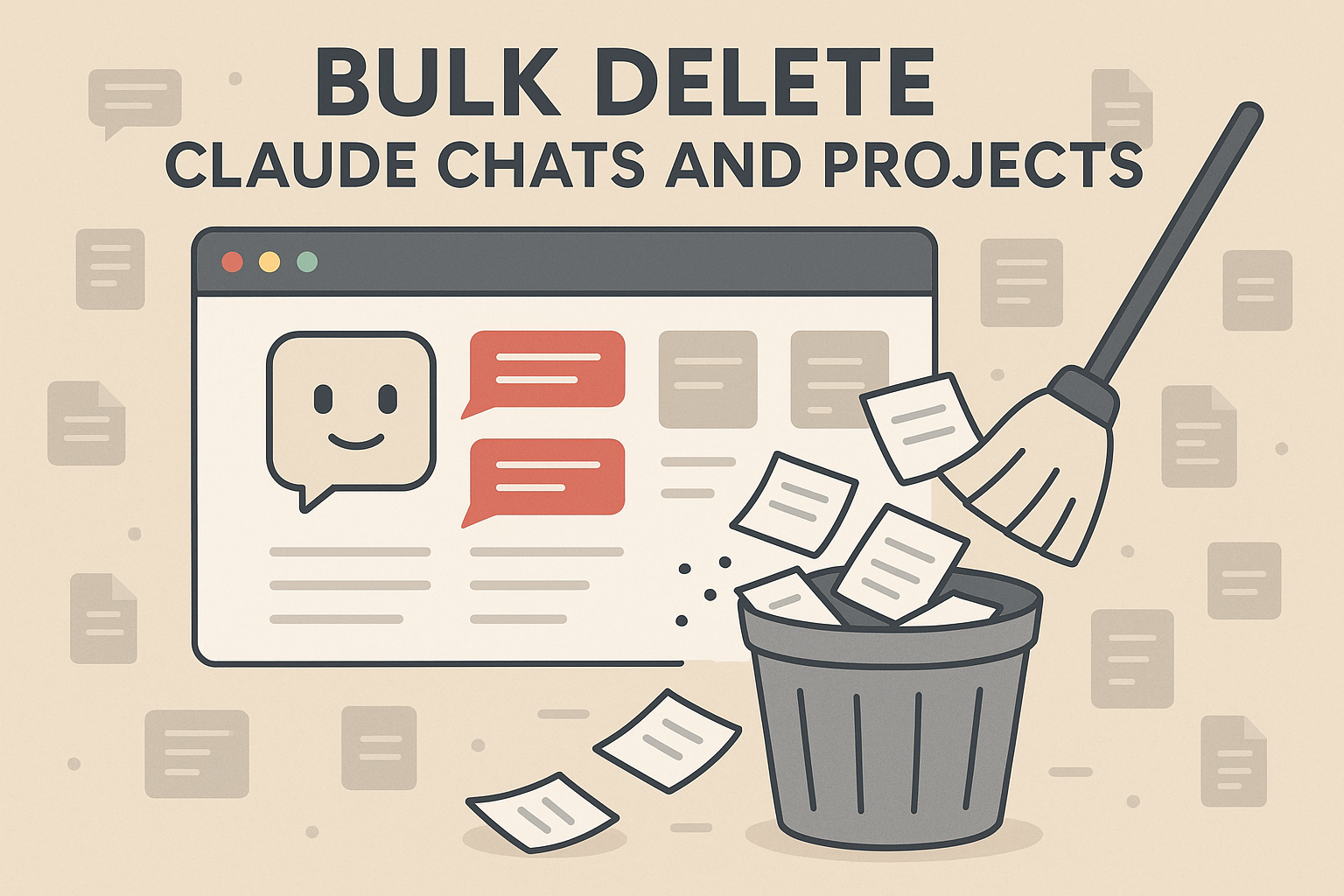
Bulk Delete Claude Chats and Projects

Claude's great, but the website lacks a ton of features I'd consider "simple", like the ability to bulk delete chats and projects. I wanted to do this myself recently and found the only way was to go through the browser console. Below is the code I used to clear all chats and projects via using the browser console. If you don't know how to open the browser console, Google "how to open browser console in {X browser}" and follow those steps. Delete Chats // === BULK DELETE CLAUDE.AI CHATS === // Replace ORG_ID below with your own const orgId = "{YOUR_ORG_ID}"; async function deleteAllClaudeChats() { // Fetch all chats const resp = await fetch(`https://claude.ai/api/organizations/${orgId}/chat_conversations`, { credentials: 'include' }); const chats = await resp.json(); if (!Array.isArray(chats) || chats.length === 0) { console.warn("No chats found."); return; } console.log(`Found ${chats.length} conversations.`); const proceed = confirm(`⚠️ This will permanently delete ${chats.length} chats.\n\nDo you want to continue?`); if (!proceed) { console.log("Aborted by user."); return; } // Rate limit: 1 delete every 500ms to stay safe for (const [i, chat] of chats.entries()) { const res = await fetch(`https://claude.ai/api/organizations/${orgId}/chat_conversations/${chat.uuid}`, { method: 'DELETE', credentials: 'include', headers: { 'Content-Type': 'application/json' } }); if (res.ok) { console.log(`✅ [${i + 1}/${chats.length}] [...]

By |2025-12-04T14:50:54+00:00November 8, 2025|General|

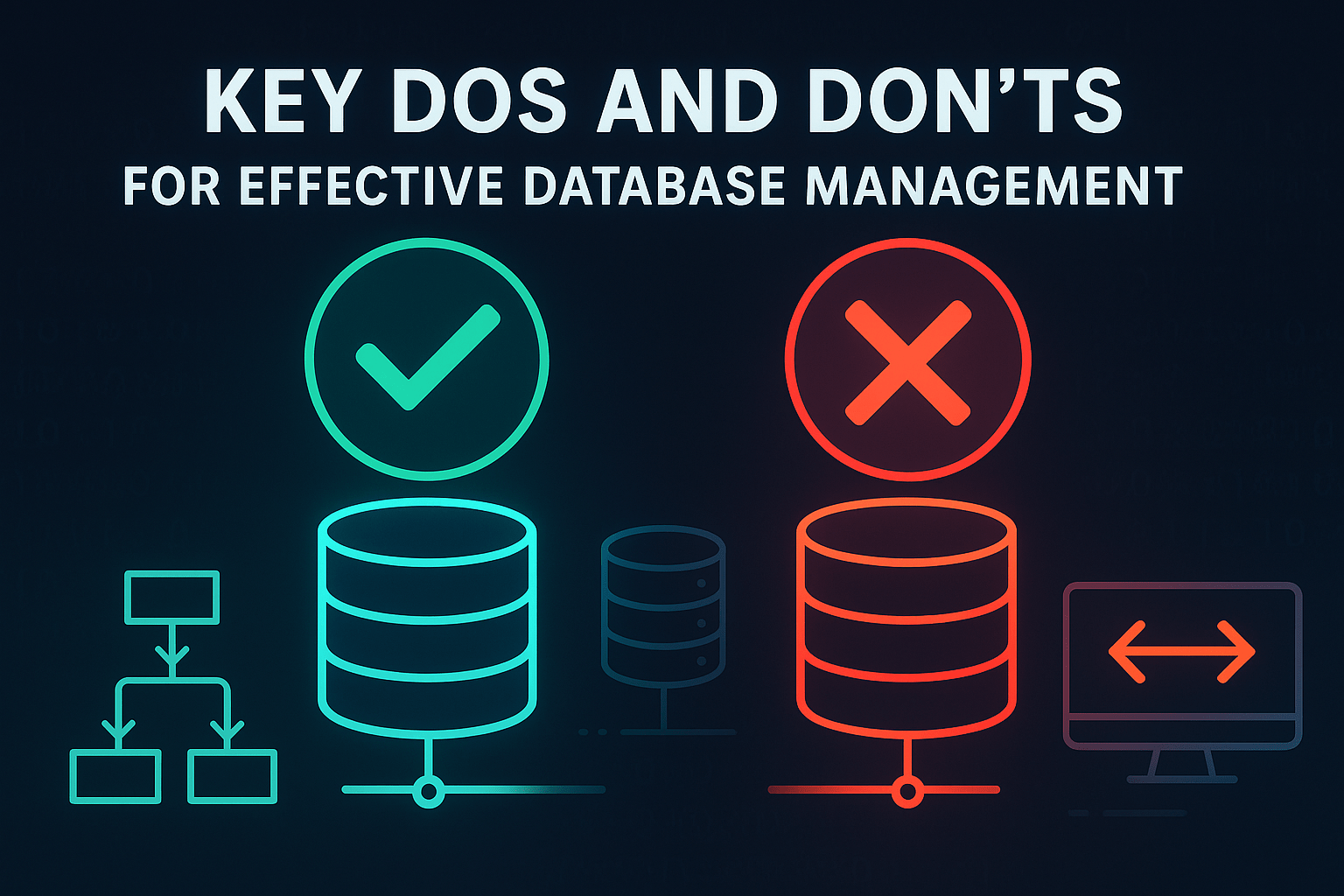
Key Do’s and Don’ts for Effective Database Management

Maintaining a high-performance, scalable database requires careful planning and adherence to best practices. Whether you're managing schema design, database migrations, or compatibility checks, following a set of core principles can prevent common pitfalls and keep your database running smoothly. This post highlights essential do’s and don’ts for database management to guide you in making informed decisions. The Do’s of Database Management 1. DO Isolate Application Databases Isolating application databases provides flexibility and control over performance. When each application has its own dedicated database, schema changes can be implemented without impacting other applications, and resource usage is easier to monitor and optimize. Database isolation also improves security by limiting access to a single application, reducing the risk of data breaches. 2. DO Use Explicit Schemas for All Data Defining explicit schemas is critical for data integrity and maintainability. Explicit schemas specify data structure upfront, enabling validation as data is written. This approach minimizes data inconsistencies, making it easier for developers and analysts to interpret and analyze the data. Schemas also allow you to check for compatibility issues early on, helping maintain stable application performance. 3. DO Automate Schema Migrations Schema migrations are an inevitable part of database management, and automation reduces [...]

By |2025-11-07T05:18:25+00:00October 7, 2024|Engineering, General, Software|

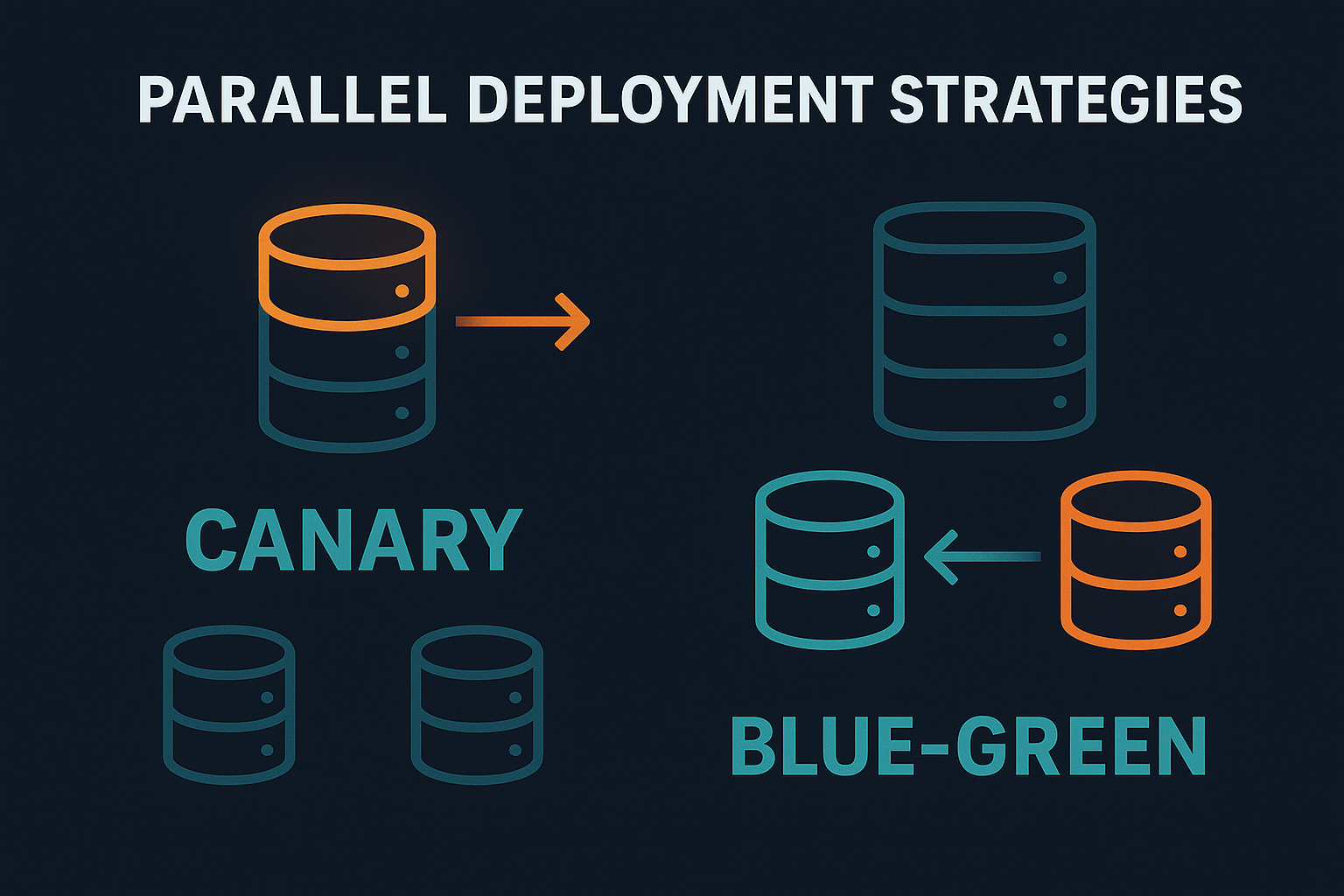
Parallel Deployment Strategies: Canary and Blue-Green Deployments

In software deployment, rolling out new versions in a way that’s safe, manageable, and reversible is crucial. Parallel deployment strategies, like canary and blue-green deployments, allow teams to test new versions of software in real-world environments without fully committing until they’re confident in its stability. These approaches reduce the risk of downtime and help ensure that new code performs as expected. In this post, we’ll dive into canary and blue-green deployments, how they work, and when to use each strategy. The Importance of Parallel Deployments Parallel deployment strategies allow new code to coexist with older versions, giving teams the flexibility to test features incrementally. By running new and old versions side by side, teams can monitor the performance of the new version, catch issues early, and roll back quickly if problems arise. These strategies are especially valuable in large, complex systems where changes can have far-reaching effects. Canary Deployments: Testing with a Small User Group Canary deployments get their name from the canaries miners once used as an early warning system for toxic gases. In software, a canary deployment involves releasing a new version of code to a small subset of users initially, while most users continue on the stable, [...]

By |2025-11-07T05:18:51+00:00February 19, 2024|Deployment, Engineering, General, Software|

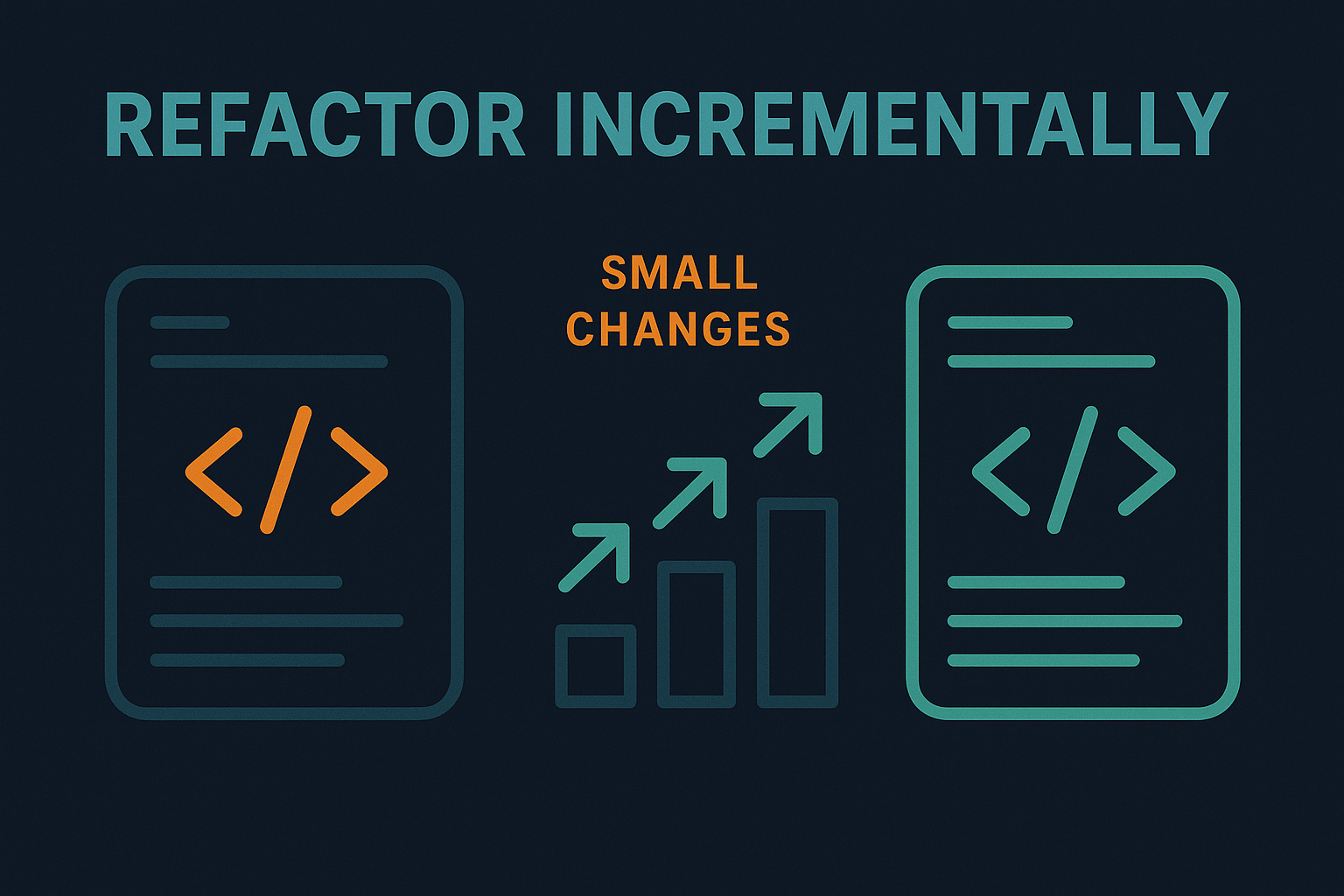
Refactor Incrementally: Why Small Changes Matter

Refactoring is an essential part of maintaining a healthy codebase, but it doesn’t have to be an overwhelming process. The key is to refactor incrementally—making small, manageable changes over time rather than attempting to overhaul everything at once. Why incremental refactoring works: It reduces risk: Small changes are easier to test and less likely to introduce new bugs. If something does go wrong, it’s much easier to pinpoint the cause. It keeps the codebase stable: Large refactoring efforts can destabilize the entire system. By making incremental changes, you can improve the codebase without disrupting ongoing development. It’s more manageable: Developers are less likely to get overwhelmed by small, frequent changes than by a massive, time-consuming refactoring project. Best practices for incremental refactoring: Keep refactoring commits separate from feature commits. This ensures that your changes are easy to track and review. Refactor code in small, focused chunks. Tackle one method, class, or module at a time. Always leave the code cleaner than you found it. Even small improvements can make a big difference over time. Refactoring doesn’t have to be a monumental task. By making small, incremental changes, you can improve your codebase over time without the risk and disruption of [...]

By |2025-11-07T05:22:15+00:00July 3, 2023|Engineering, General, Software|

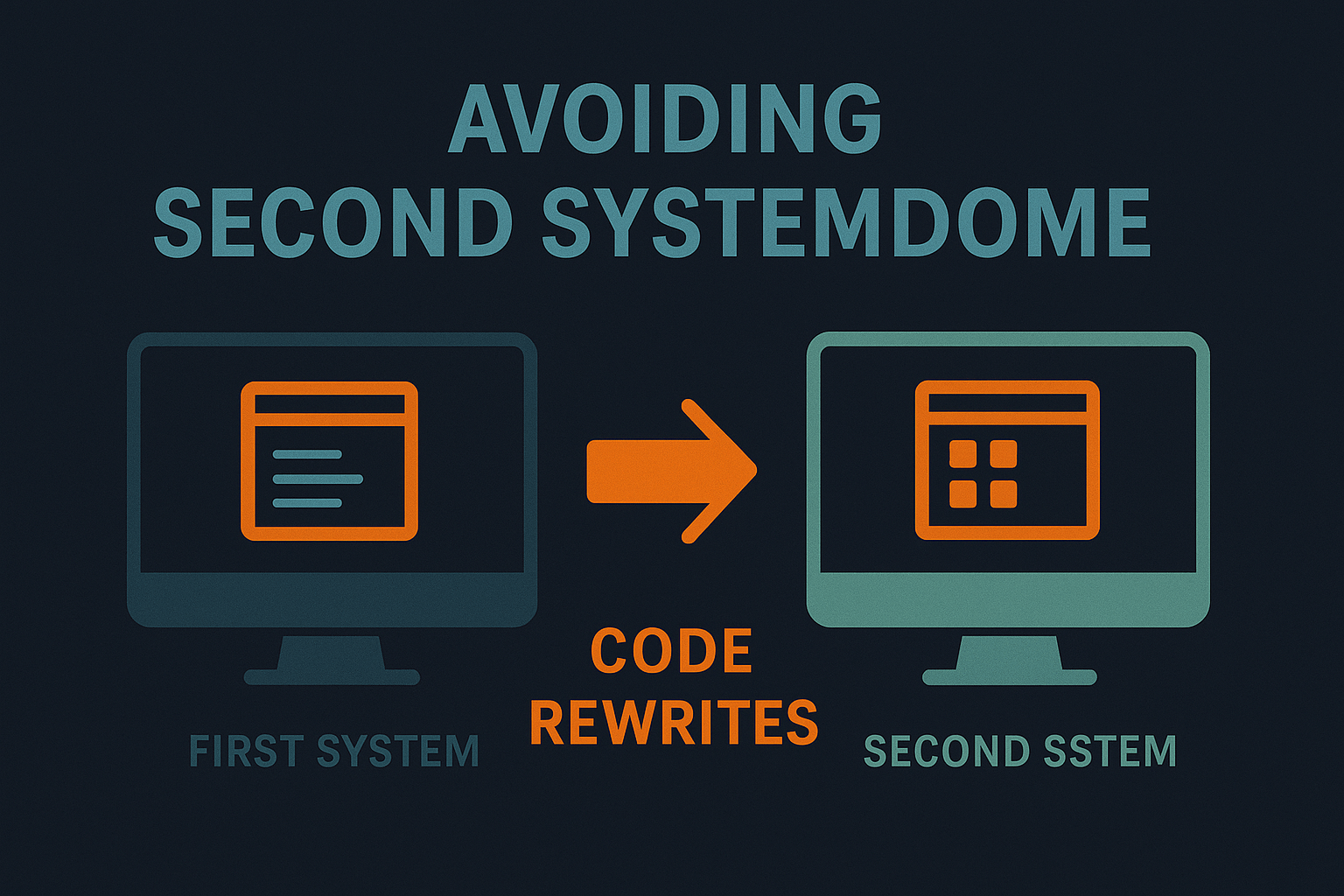
Avoiding Second System Syndrome in Code Rewrites

When developers rewrite a system, they often try to fix everything that was wrong with the original version. This is a natural instinct, but it can lead to what Fred Brooks called “Second System Syndrome.” In The Mythical Man-Month, Brooks described how the second iteration of a system is often over-engineered, filled with unnecessary features and complexity. The original system, though imperfect, was simple and served its purpose. The second system, designed with the benefit of hindsight, often suffers from the desire to add too much. The result? A bloated, difficult-to-maintain codebase that doesn’t perform any better than the original. How to avoid Second System Syndrome: Keep it simple: Resist the urge to over-engineer the new system. Focus on solving the core problems and avoid adding extra features just because they seem useful. Test incrementally: Instead of rewriting the entire system at once, break it down into smaller components that can be tested and deployed incrementally. Don’t underestimate the cost: Rewriting an entire system is time-consuming and risky. Make sure that the potential benefits outweigh the costs before you commit to a rewrite. Remember, the goal of a rewrite is to improve the system, not to make it more complex. [...]

By |2025-11-07T05:20:51+00:00June 26, 2023|Engineering, General, Software|

The Importance of Boring Technology in Software Development

In the fast-moving world of software development, it’s easy to be tempted by the newest technologies. Every day, new tools, languages, and frameworks emerge, promising increased productivity and exciting new features. However, some of the most successful companies stick with “boring” technology—proven, mature tools that may lack the excitement of something new, but offer unparalleled reliability. As Dan McKinley points out in his presentation Choose Boring Technology, “failure modes of boring technology are well understood.” In other words, all technology will eventually fail, but older, more mature tools tend to fail in predictable ways. This predictability makes them easier to manage and debug. Why choose boring technology? Stability: Mature technologies have been tested over time and in a variety of scenarios. They are less likely to have hidden issues that can surprise your team. Community support: Older technologies have larger, more established communities. This means more resources, better documentation, and more people who can help when things go wrong. Compatibility: New technology often introduces compatibility issues with existing systems. By using well-established tools, you can avoid spending valuable time fixing integration issues. Choosing the latest and greatest technology may seem exciting, but when it comes to building long-term, scalable systems, [...]

By |2025-11-07T05:20:48+00:00June 12, 2023|Engineering, General, Software|